-Jul-04-2023-10-20-41-2403-AM.png?width=200&height=50&name=Help%20Centre%20Logo%20(800%20%C3%97%20200px)-Jul-04-2023-10-20-41-2403-AM.png)
There are two distinct phone numbers that can be captured in CYGNVS:
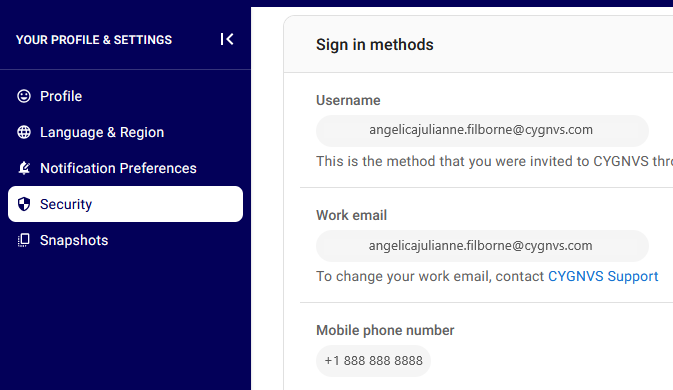
Identity: This number is captured when registering into the CYGNVS platform and can be found under Your Profile & Settings > Security.
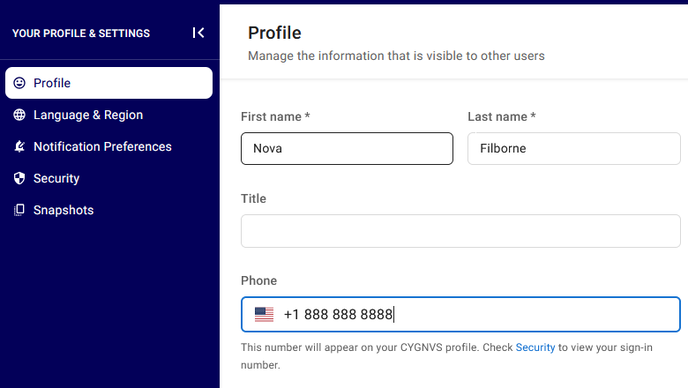
Profile: This number is captured when you fill in your user details under Your Profile & Settings > Profile.
Your role in the tenant determines which phone number you see,
Account Owner - You see the Identity phone number for any profile you select.
User - You see the the Identity phone number when selecting your own profile and, Profile phone number when selecting other user profiles.